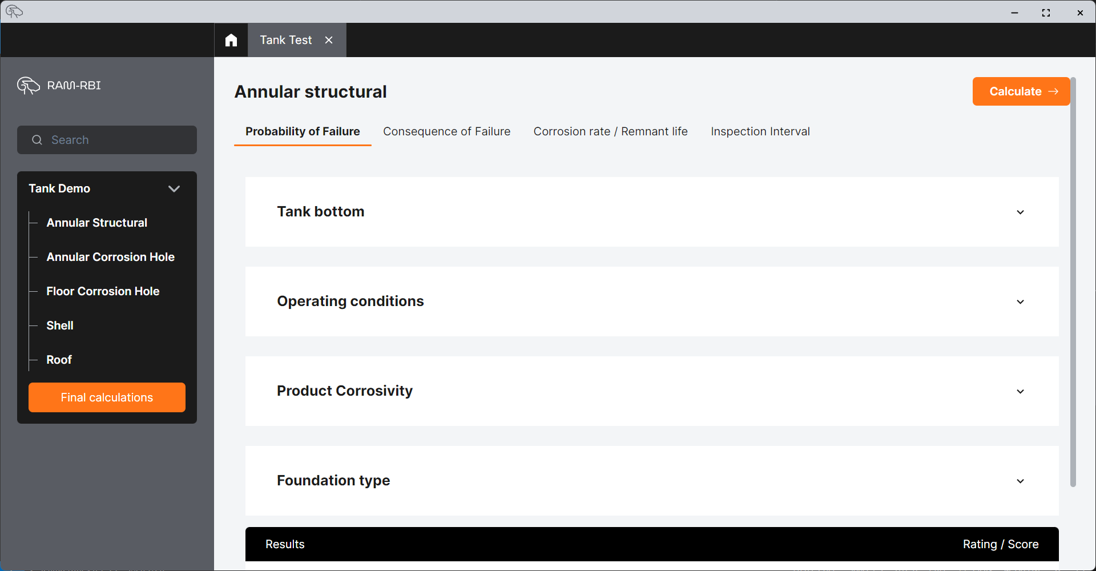
Screenshot of a software interface titled 'Annular structural' with tabs for 'Probability of Failure,' 'Consequence of Failure,' 'Corrosion rate / Remnant life,' and 'Inspection Interval.' The left menu has options for different tank components like 'Tank Demo,' 'Annular Structural,' 'Annular Corrosion Hole,' and others, with a highlighted button labeled 'Final calculations.' An orange 'Calculate' button is at the top right.

TANKR can be used to manage risk-based analysis across most relevant mechanical integrity components of the tank
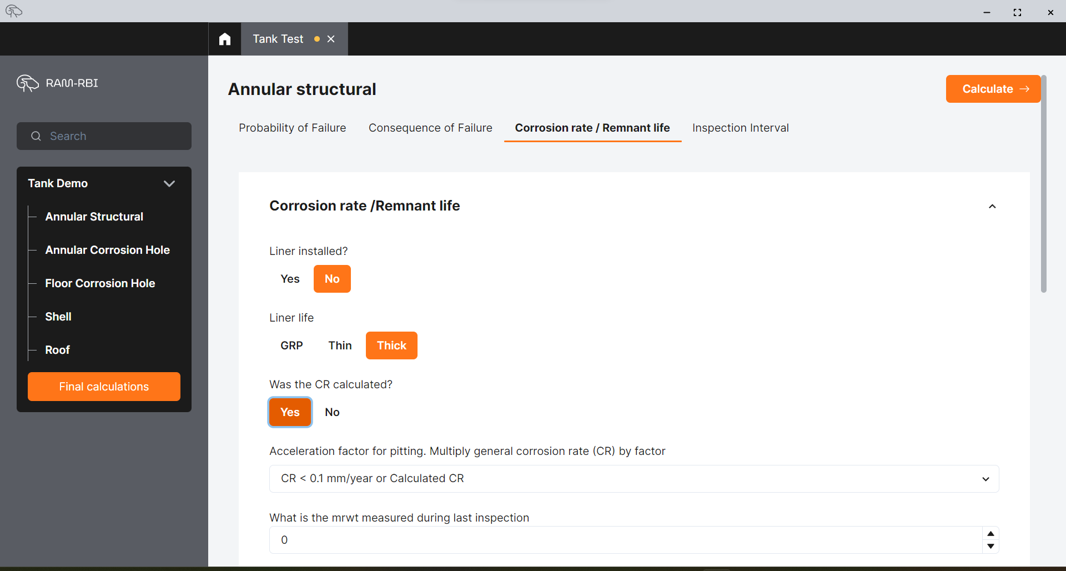
Screenshot of a computer software interface for tank structural analysis. The tab for 'Corrosion rate / Remnant life' is open, showing options and answers related to corrosion rate assessments for tank liners.

The main interface focuses on ease of use within minimal data entry requirements to allow a range of competencies to utilise and benefit from the tool
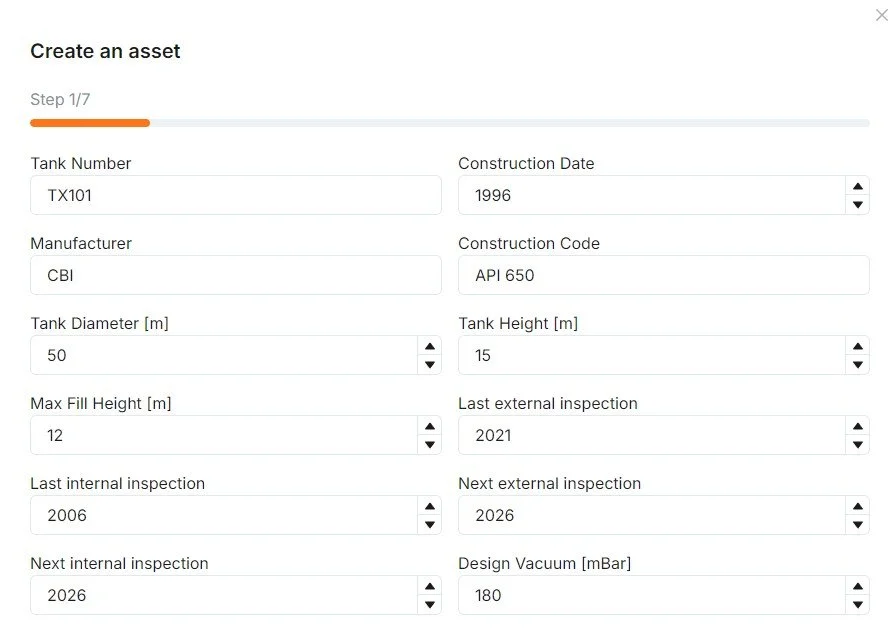
Screenshot of an online form for creating a tank asset, listing details such as tank number (TX101), manufacturer (CBI), construction date (1996), construction code (API 650), tank diameter (50 meters), tank height (15 meters), maximum fill height (12 meters), last external inspection (2021), last internal inspection (2006), next external inspection (2026), next internal inspection (2026), and design vacuum (180 mBar).

Most relevant tank data can be stored within the software to allow the users to use a single system to maintain the relevant data for each tank, with minimal reference to drawings and other data sources.